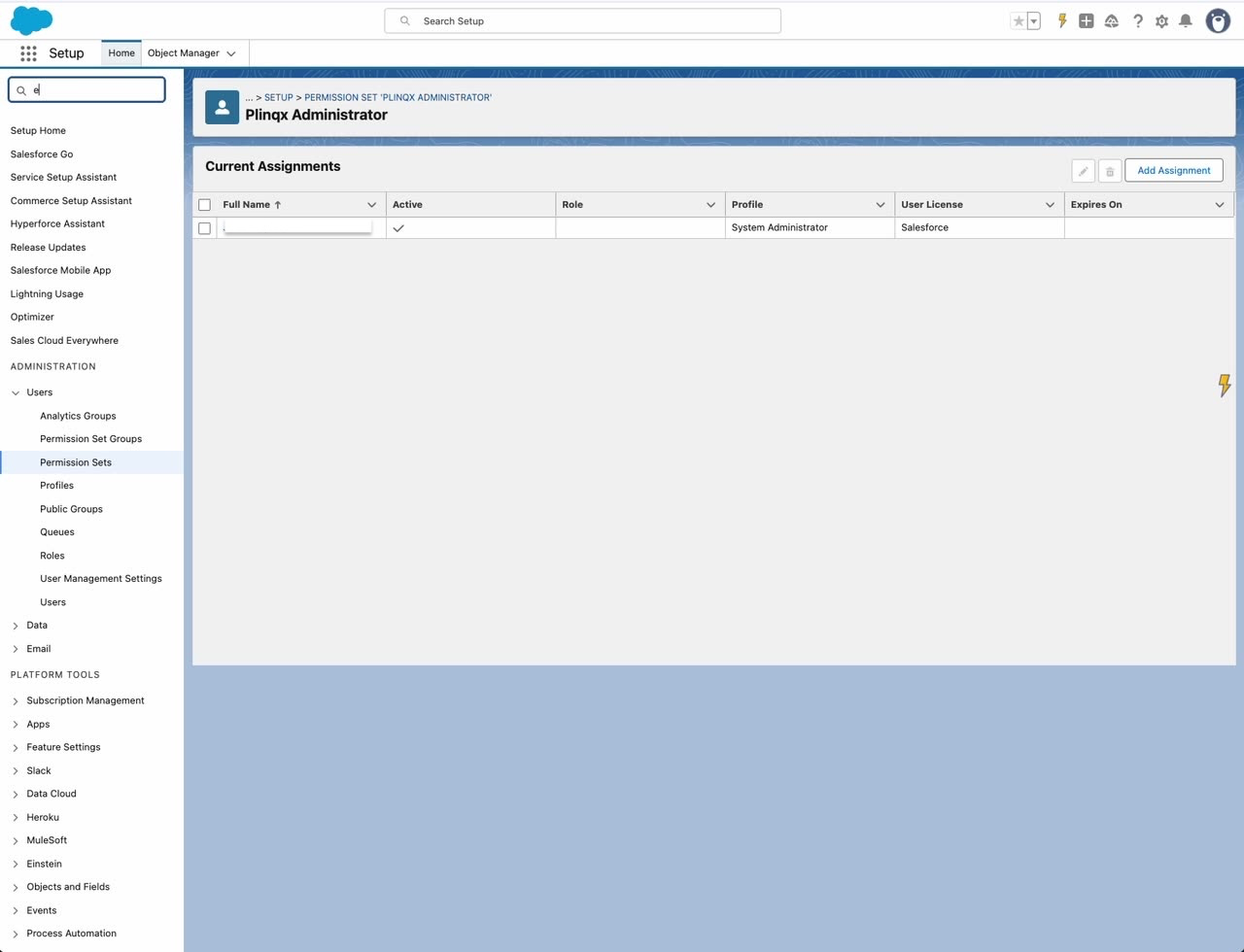
Assign Plinqx Admin Permission Set
info
Assign the Plinqx Administrator permission set to the users who will configure and administer Plinqx.
Purpose
Grant admin users access to the Plinqx app, configuration, and metadata features required for setup.
Prerequisites
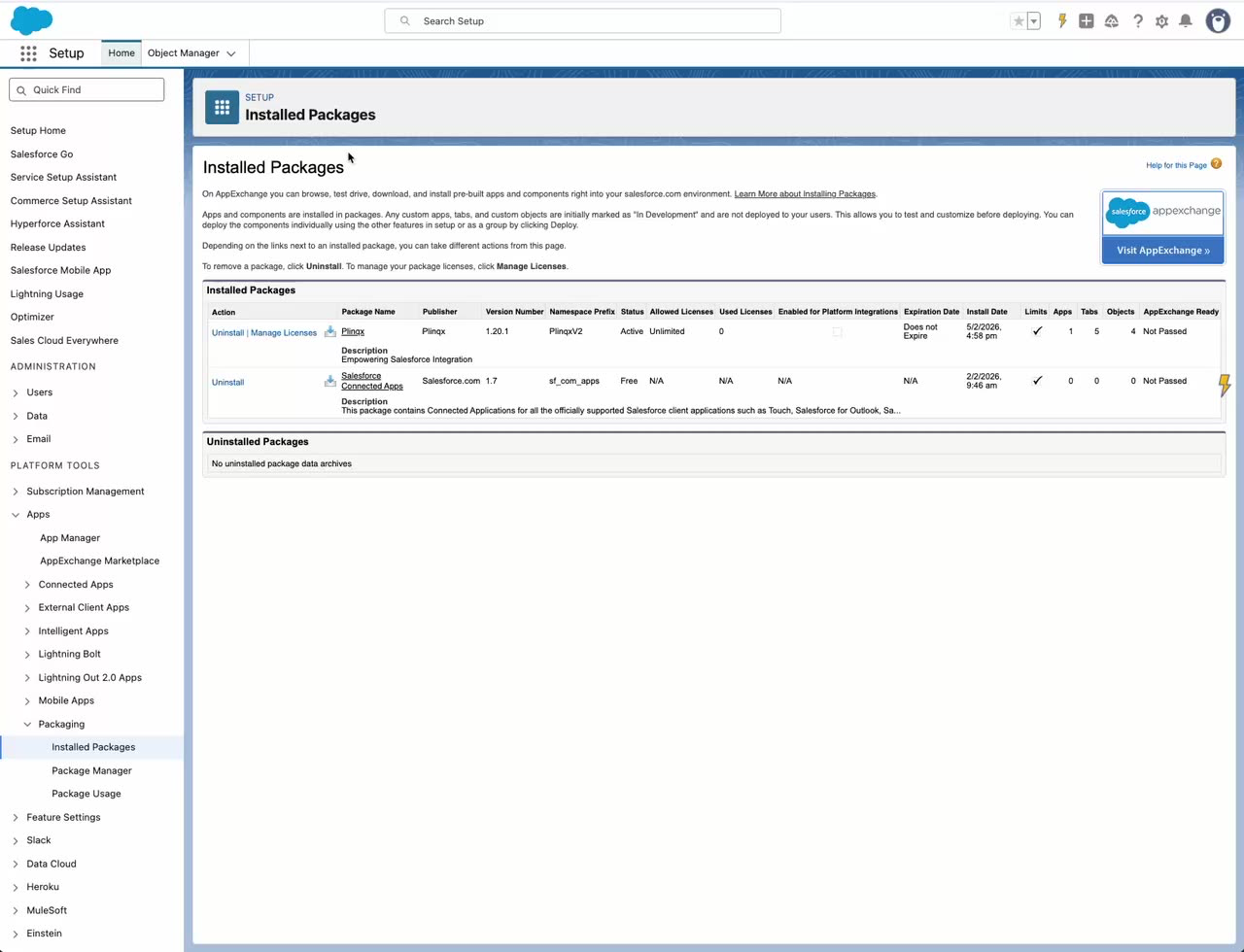
- Plinqx is installed in the org.
Steps
- Open Setup.
- In Quick Find, search for Permission Sets, then open Permission Sets.
- Select Plinqx Administrator.
- Click Manage Assignments.
- Click Add Assignments.
- Select the user(s) who will administer Plinqx, then click Next.
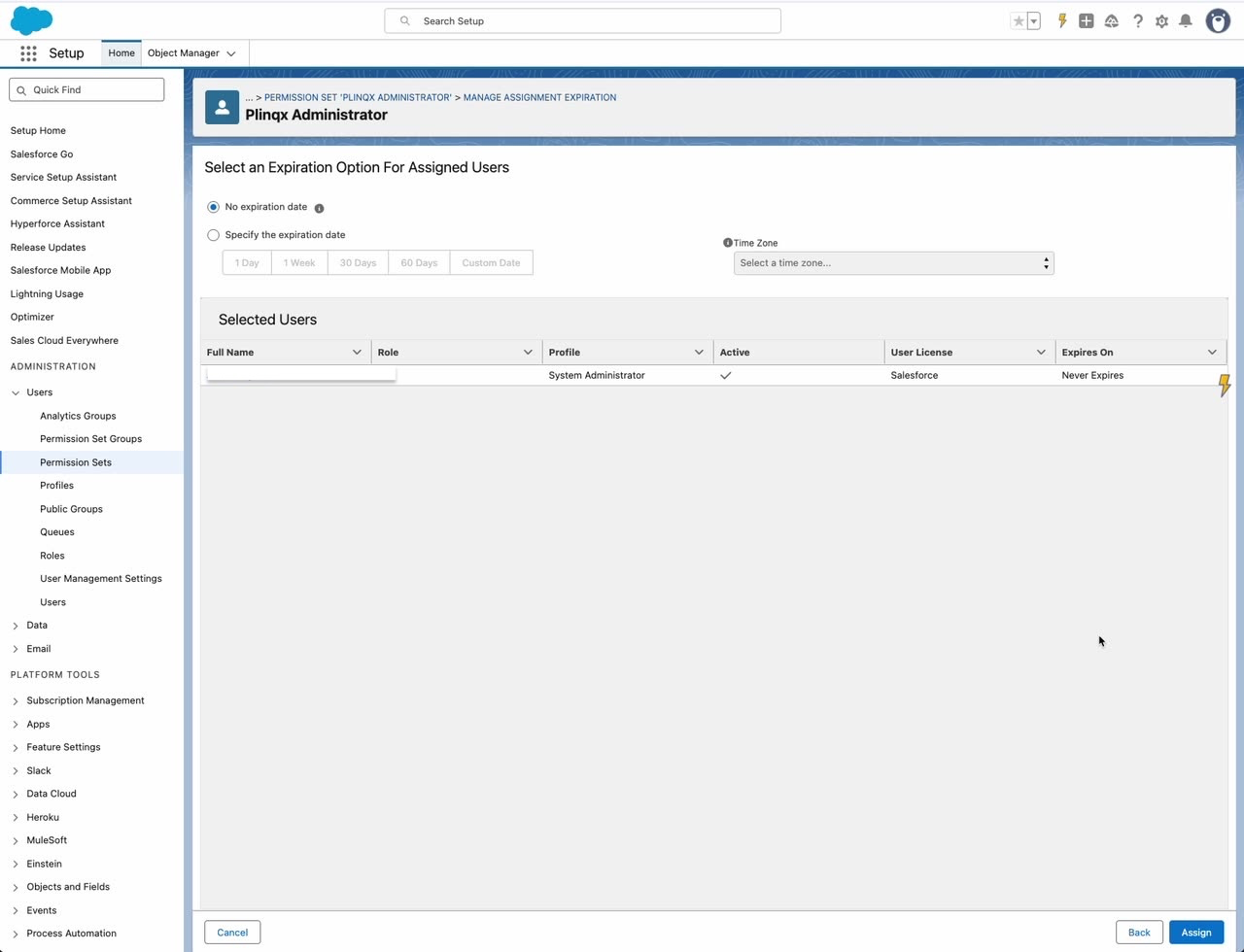
- Choose an expiration option (commonly No expiration date) and click Assign.
Verify
- Return to Plinqx Administrator -> Manage Assignments and confirm the user is listed.