Authenticate Principal
info
Authenticate the Principal on the Plinqx Named Credential so Salesforce can obtain and refresh tokens for outbound callouts.
Steps
- Open Setup.
- In Quick Find, search for Named Credentials, then open the Plinqx Named Credential.

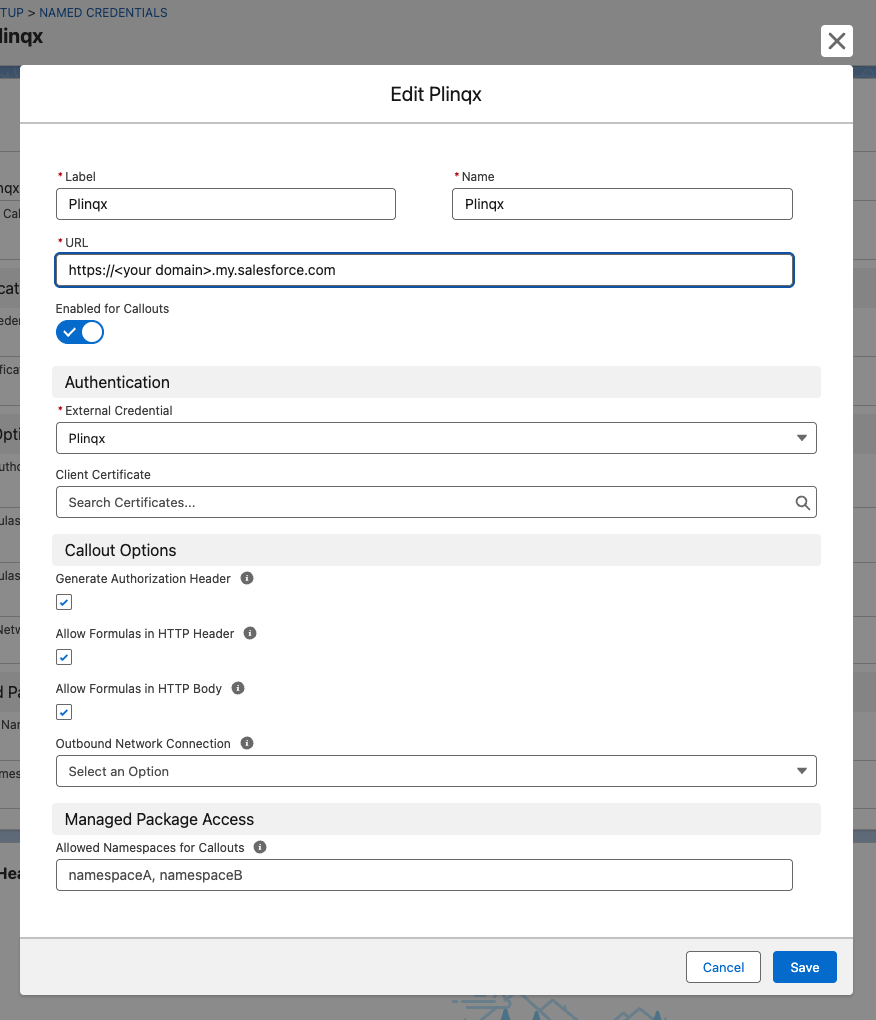
- Click Edit
- Change the URL to your Salesforce url e.g.
https://my-domain.my.salesforce.com
-
Click Save
-
In the Authentication Section Click the. Plinqx External Credential

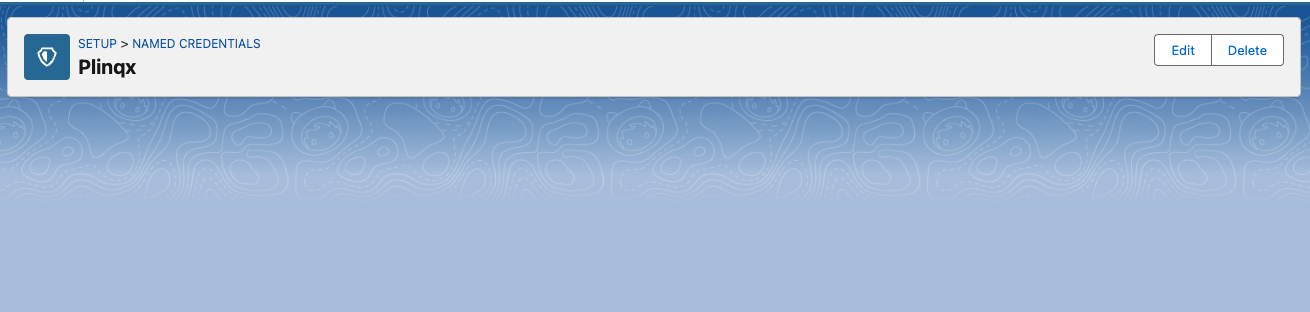
- Click the Edit button
-
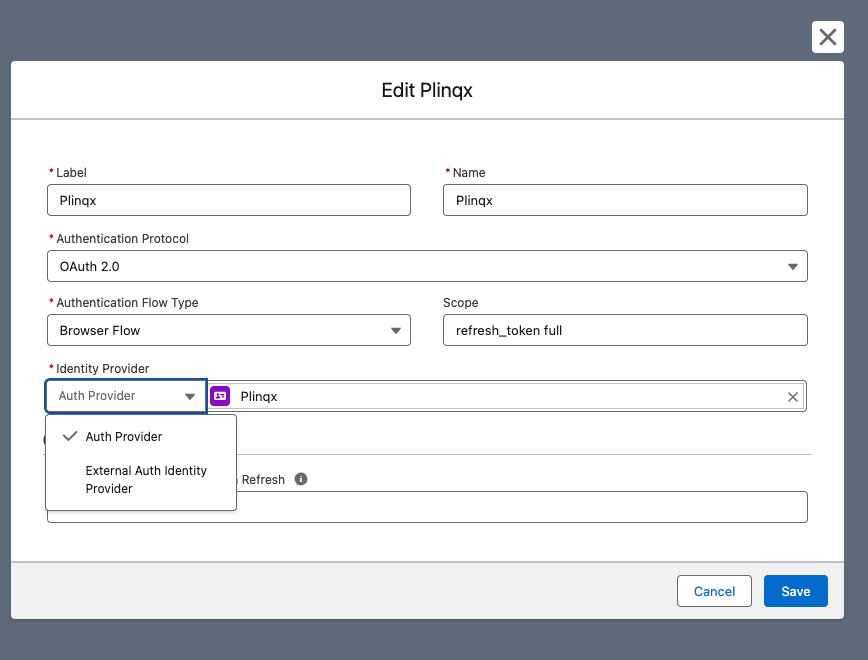
In the Identity Provider section set the type as Auth Provider.
-
Then select the Auth Provider Plinqx
-
Click Save
-
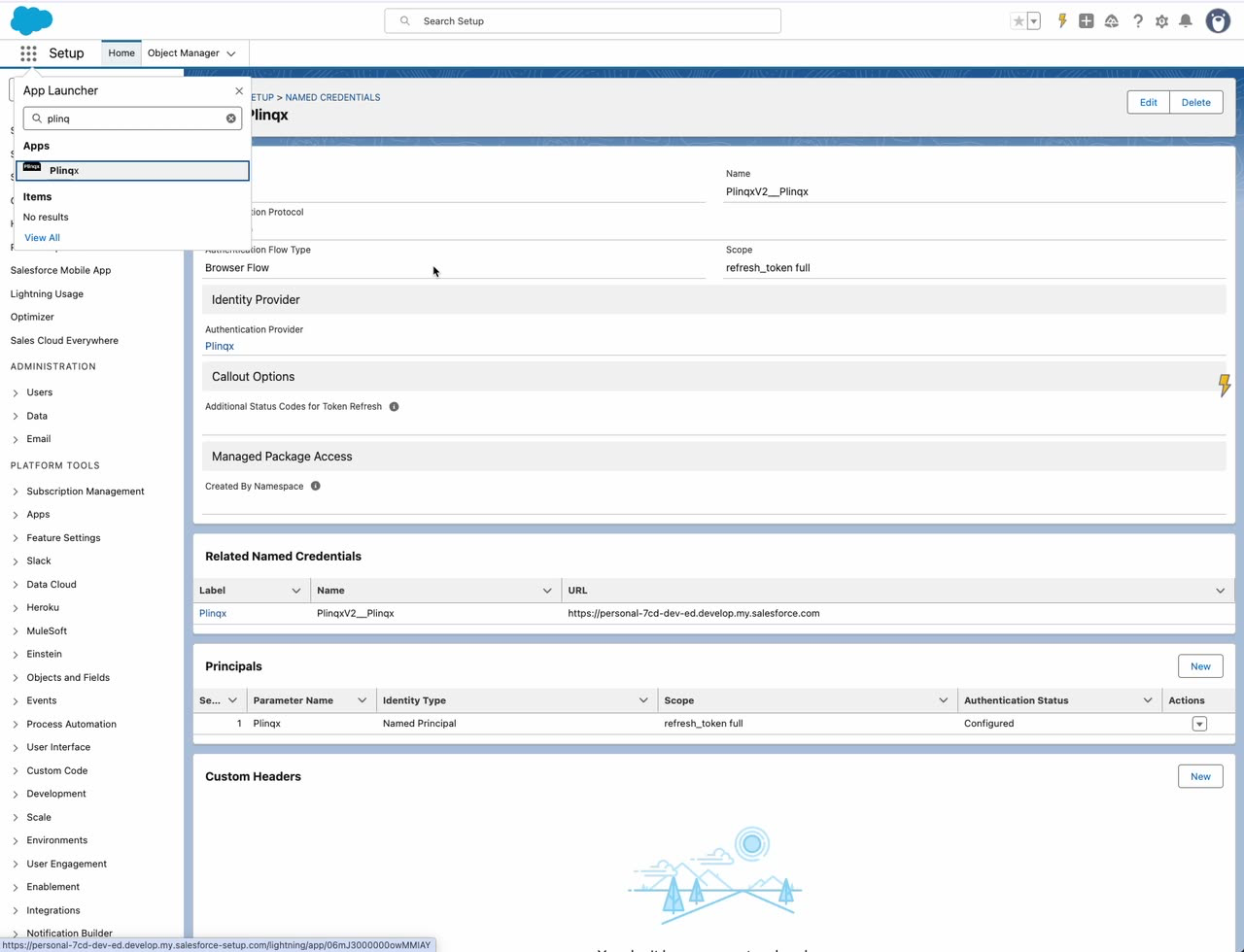
In the Principals section, confirm the principal shows Not Configured.
-
Open the principal row Actions menu and select the Authenticate option.
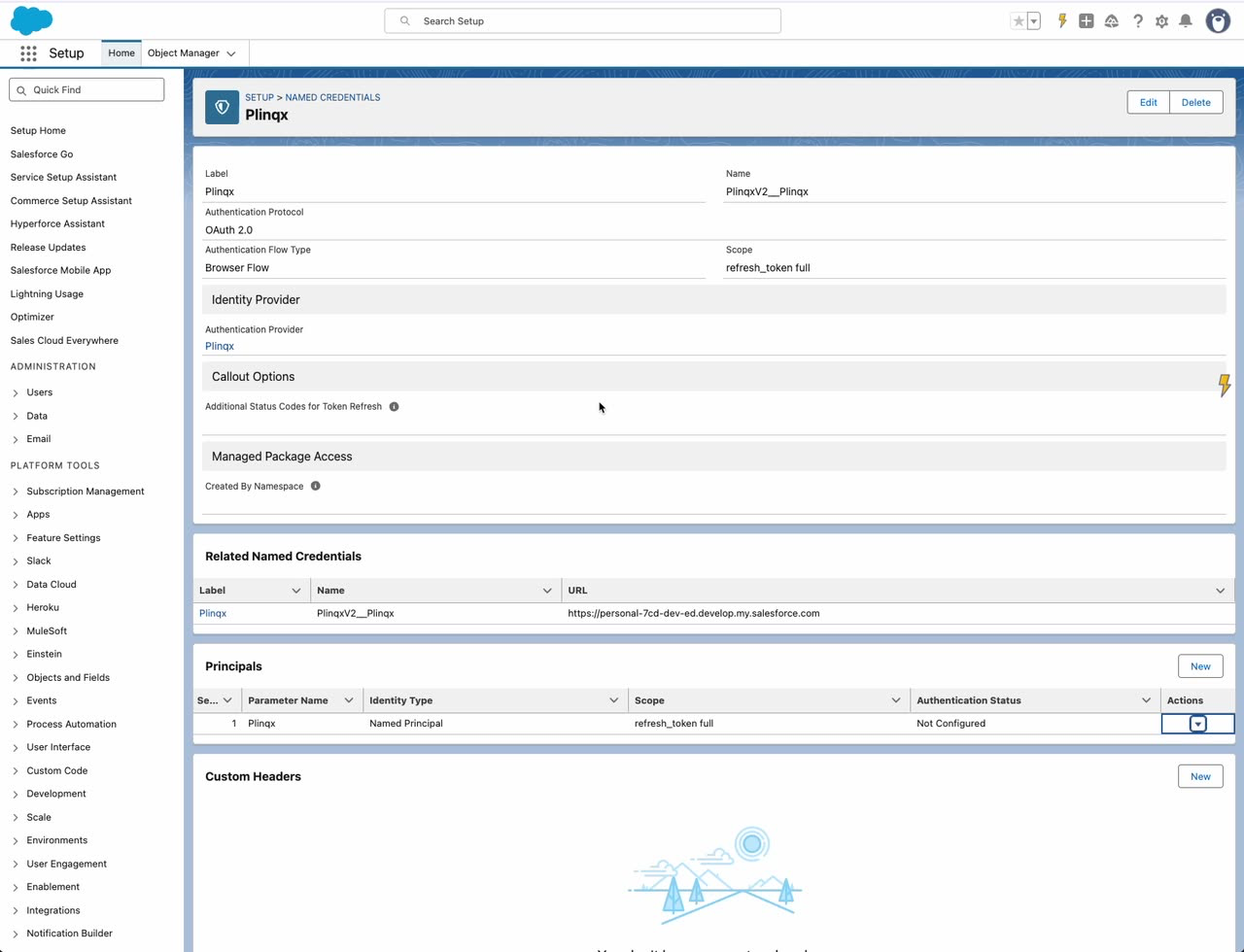
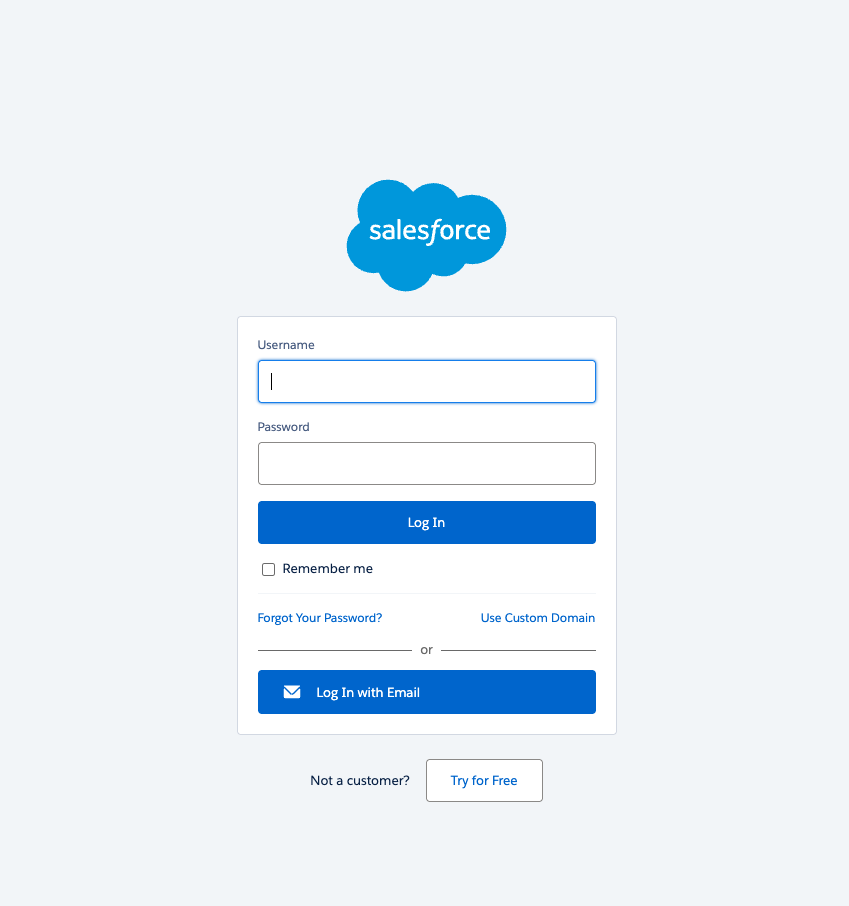
- Complete the browser-based authentication flow. You may be prompted to log in to Salesforce.
- Return to the Named Credential and confirm the principal status is Configured.
Verify
- The principal shows Configured.